
 thinkpack
Packaging, ready for the press.
Draw it flat and watch it fold into 3D, in real time. Size it to the millimetre, place the windows and folds, dress it in real materials, and take a production pack to your printer.
One thinkjoin account opens every studio. Already have one? Open thinkpack and sign in.
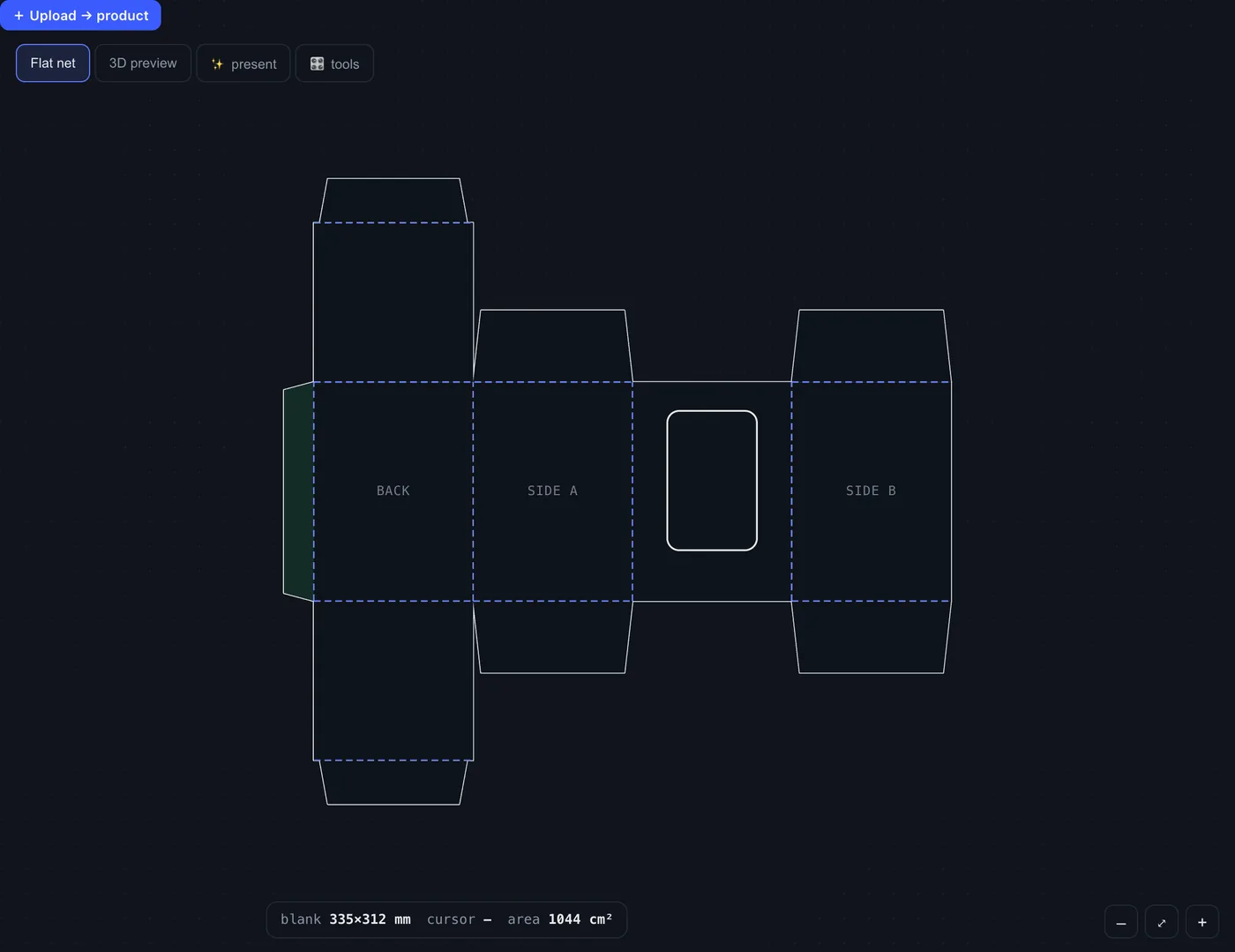
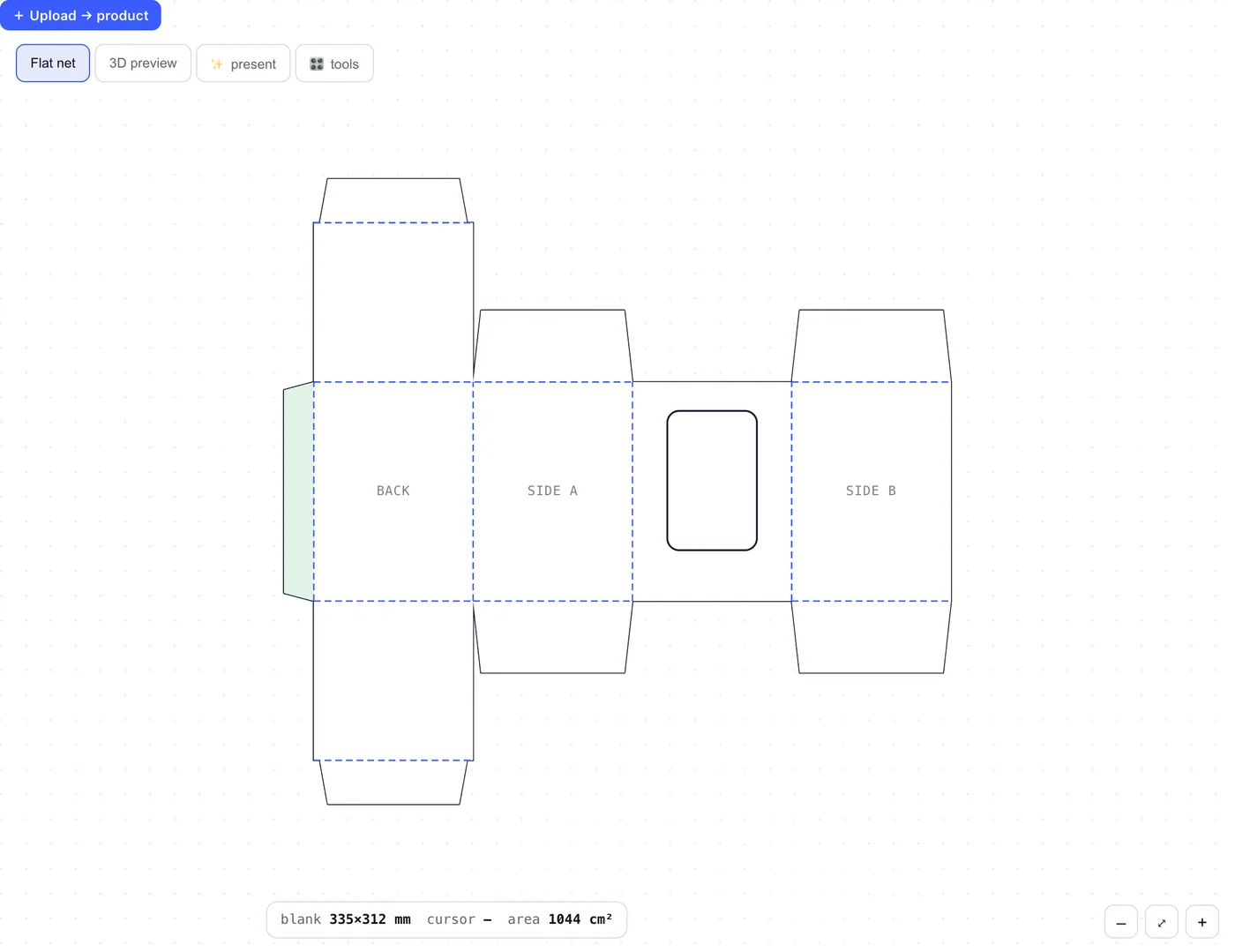
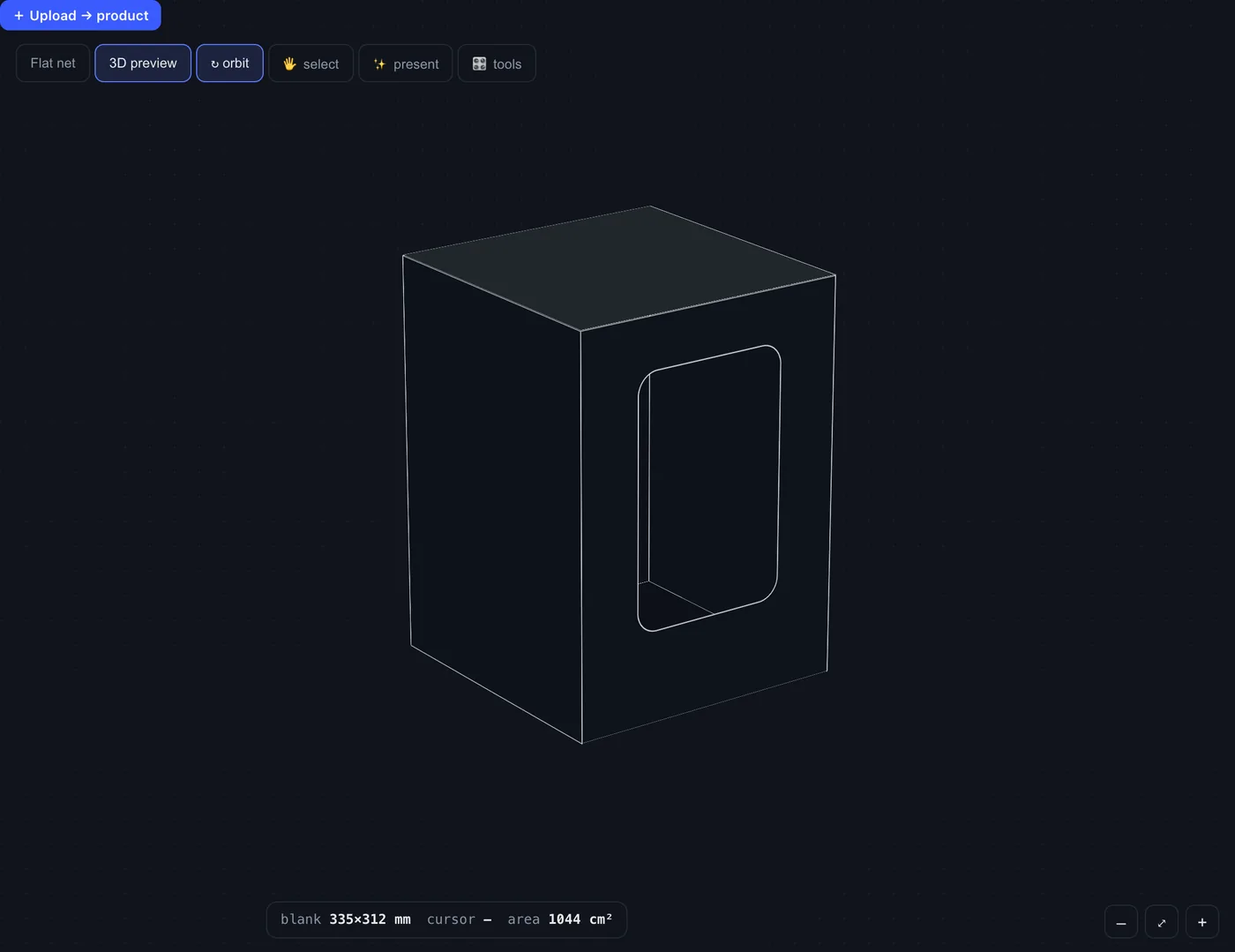
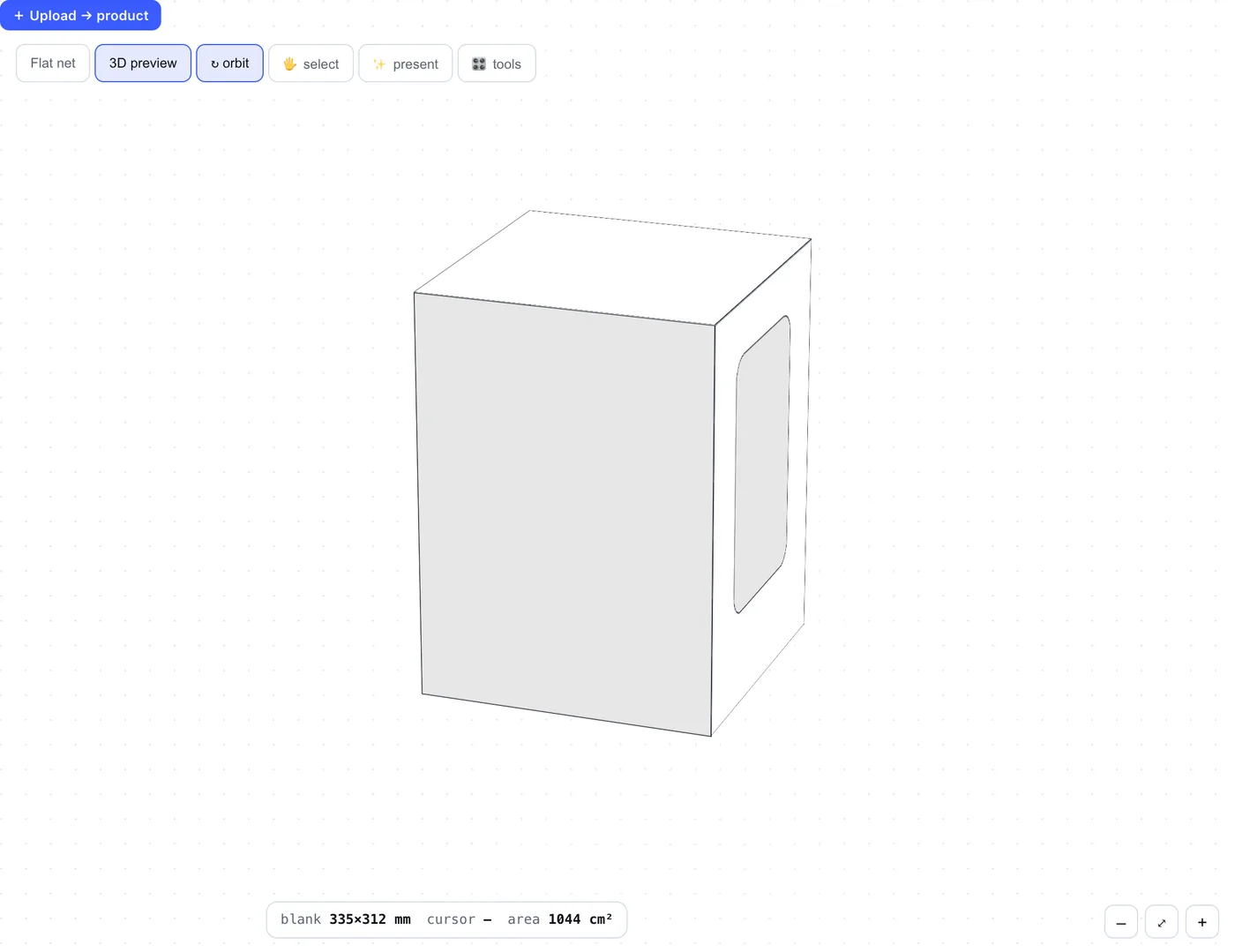
A live demo of one style, a straight tuck end, running right on this page. The studio does this for every style, with production-ready lines.
Live, both ways
Edit the flat or the 3D. The other one follows.
In most packaging software the dieline and the 3D mockup live in separate programs, and every change means redoing both. In thinkpack they are one model. Change the net and the folded box changes with it. Pick a face on the box and you are working on that panel of the dieline.
On the flat
Type a size or drag a slider and the net redraws, cut, crease and glue lines included. Drag windows and details into place on the panel.
On the 3D
Turn the folded box, tap a face, and give it its own material, or show and hide what is printed there.
In the light
Present mode clears away the labels and plate boxes for a clean product view. Open the same project in the 3D studio for studio light, a soft shadow and a slow turn.
From a preset
Start from 211 presets, from mailers and tuck ends to rigid boxes, pouches and bags, and make it yours.
One studio, not five tools
Packaging used to take a whole toolbox. Now it takes one tab.
A box for a new product usually means a structural CAD program for the dieline, a separate 3D mockup app to see it folded, a spreadsheet for the bill of materials, and a long email thread with the printer about which line is a cut and which is a crease. thinkpack does every one of those jobs, in one place, from the first sketch to the file the die-maker cuts from.
The structure
Start from a real style, mailer, tuck end, rigid box, pouch or bag, and size it to the millimetre. No drafting from a blank page.
The details
Windows, handles, hang holes, perforations and more, dropped on the panel where they belong and drawn as the right kind of line.
The look
See it folded in 3D as you work, with every detail on its face, before a single sheet is printed.
The handover
One zip for the printer: the dieline in the formats die-makers use, a 3D solid, a mockup, the bill of materials and your notes.
Start from a preset
Every box, bag and mailer, ready to size.
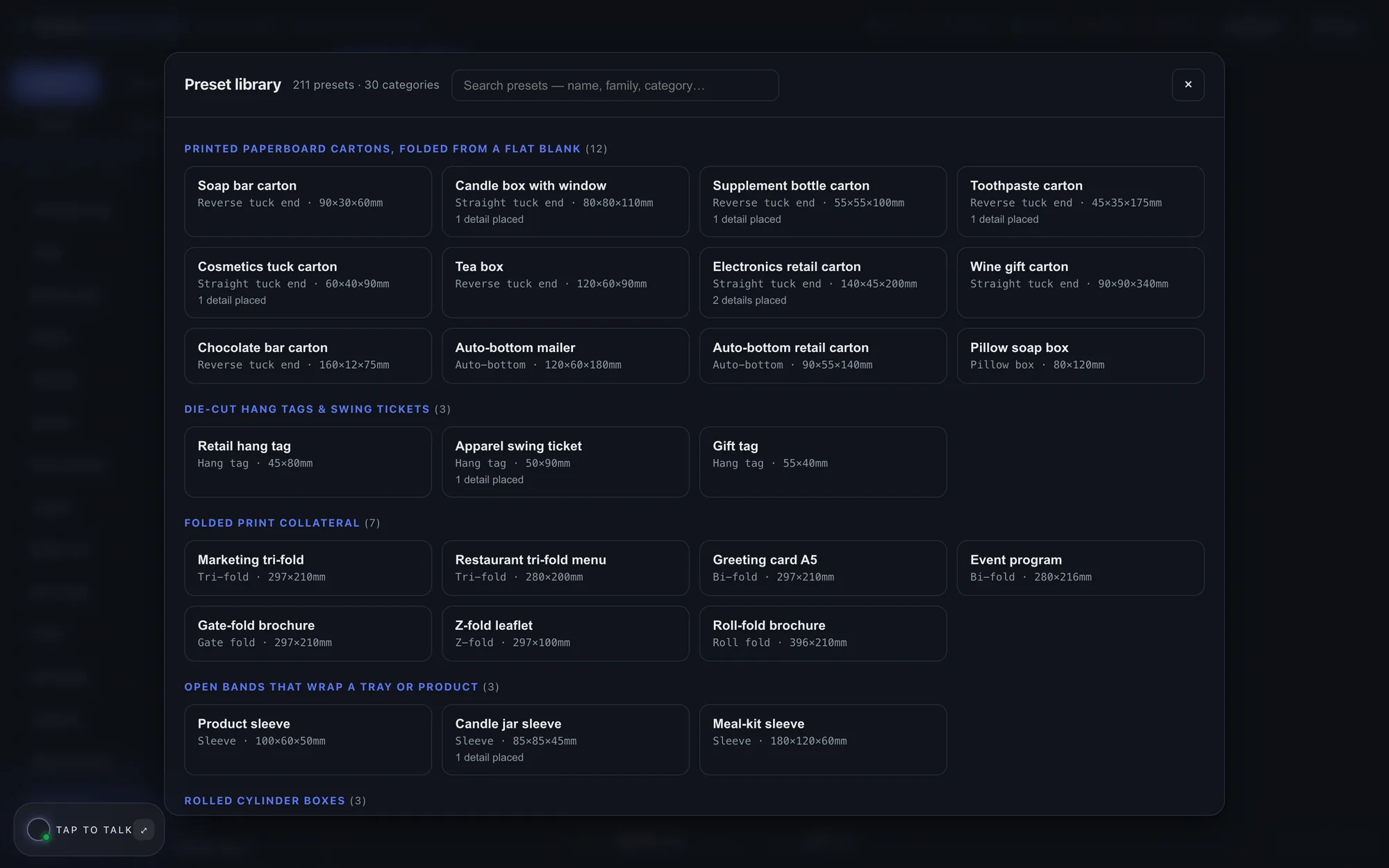
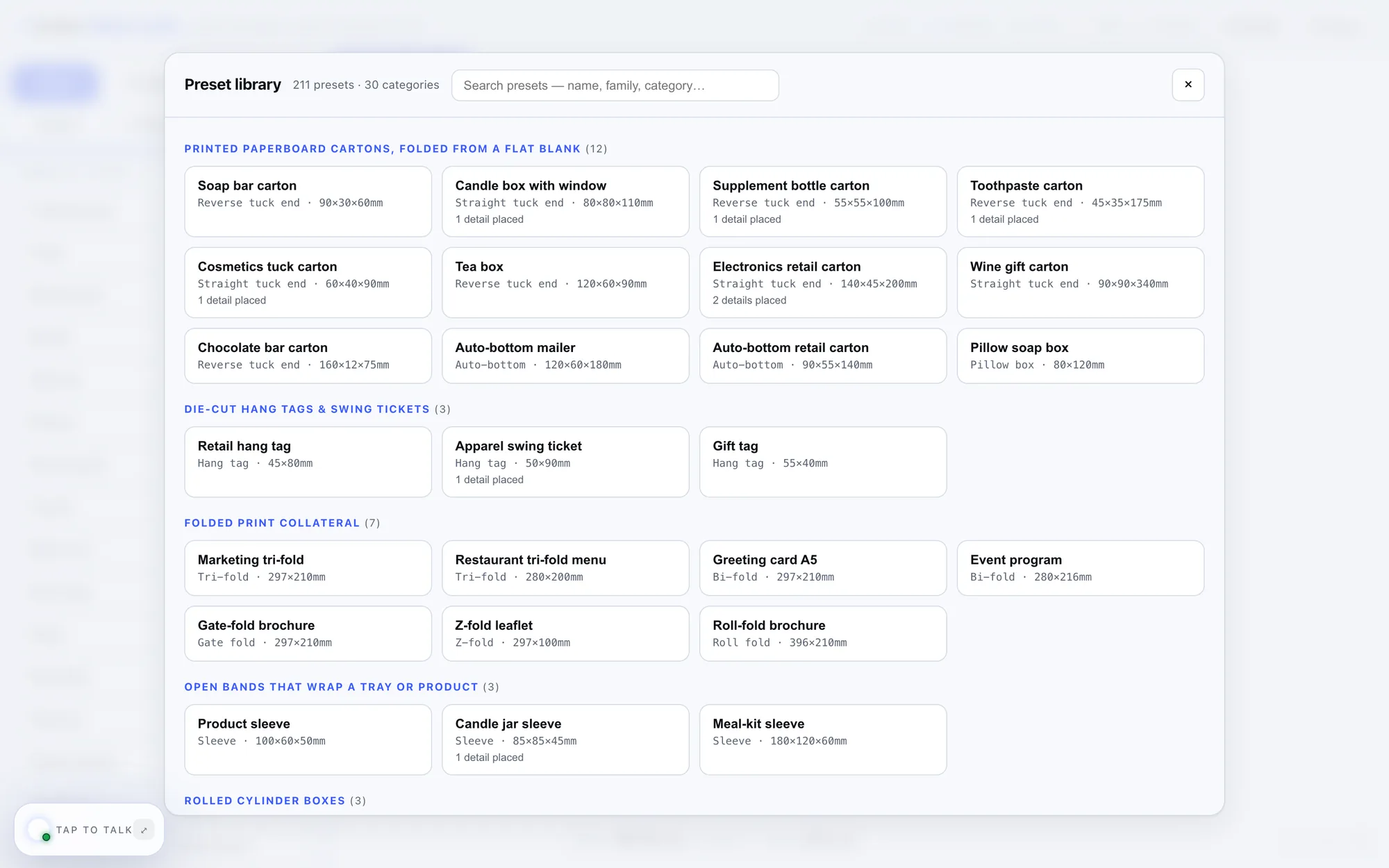
211 ready-made presets across 61 styles: mailers, tuck ends, rigid and magnetic boxes, pouches, carrier bags, sleeves, envelopes, folders and folds. Search by name or category, then make it yours.
Place the details
Windows, handles, perforations. Exactly where you want them.
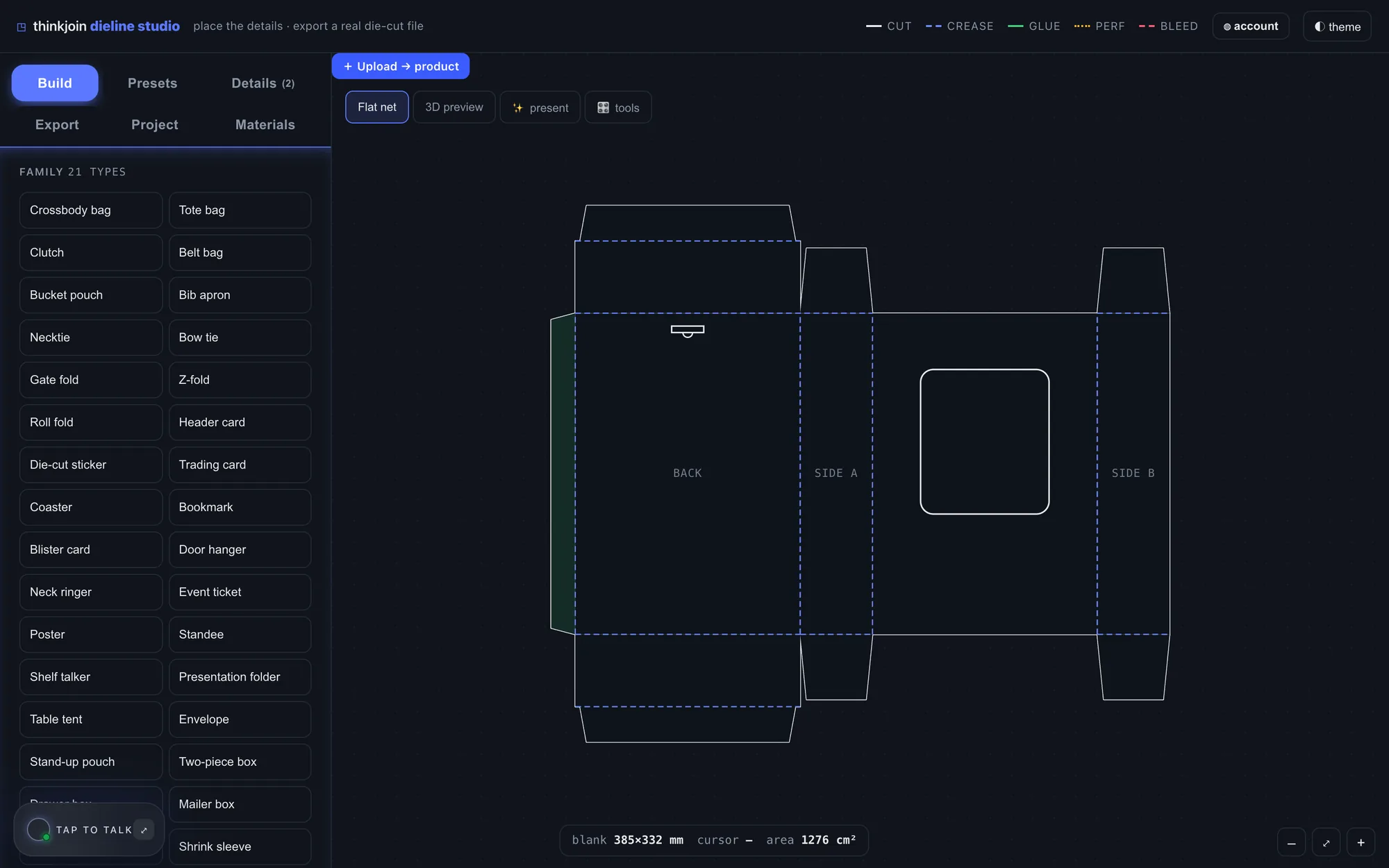
Pick a detail, click a panel to drop it, drag it into place. 25 kinds, from hang holes and pour spouts to degassing valves, ribbon slots and magnet pockets.
Cut, crease, glue
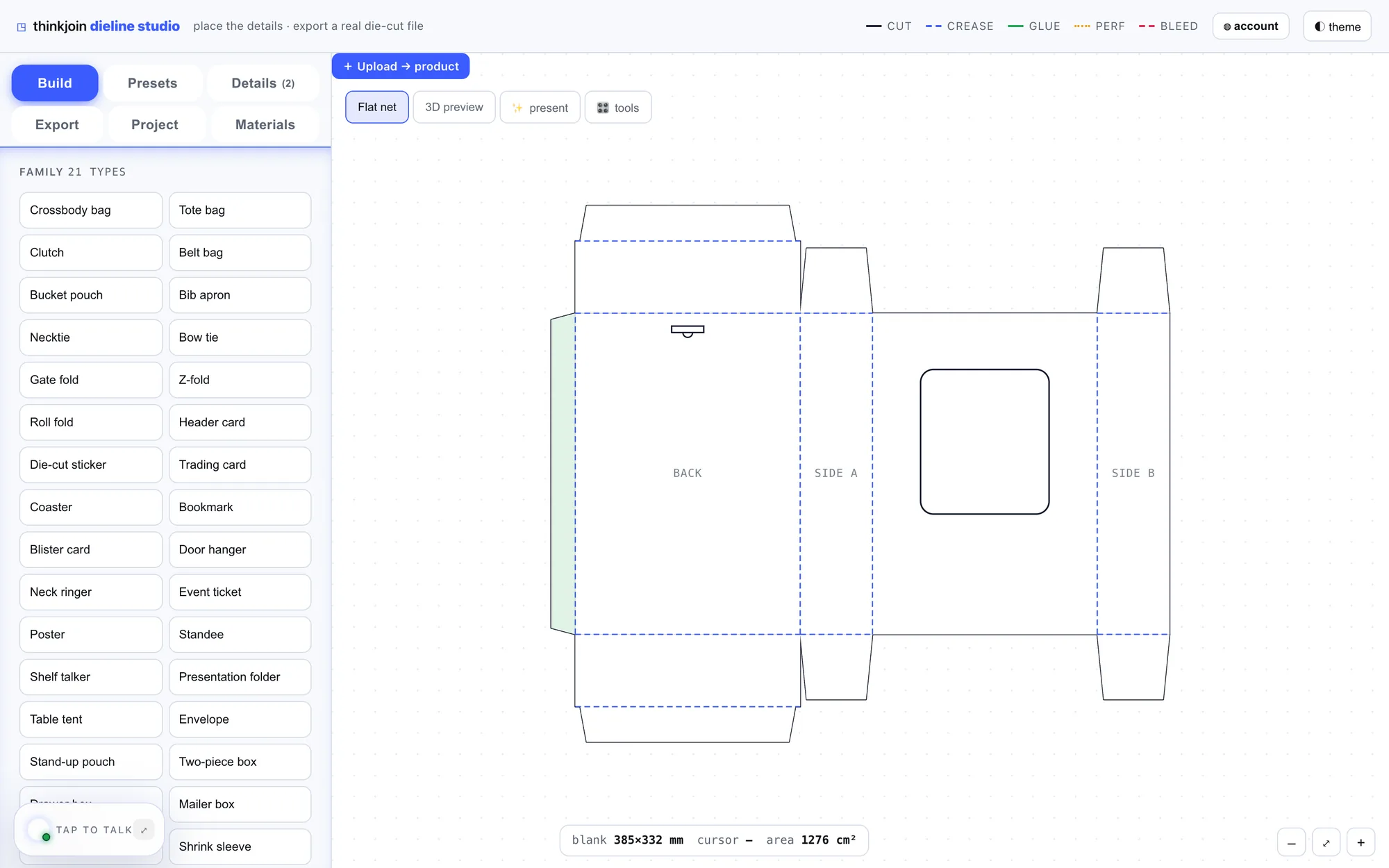
Every line is drawn the way a die-maker reads it: cut, crease, glue, perforation and bleed, each in its own colour.
Sized to the millimetre
Type a size or drag the slider. The flat net redraws as you go.
3,778 materials
Paperboard, corrugated, rigid board and more, from the materials library.
The production pack
Everything your printer asks for, in one zip.
For every part of the package. Group a box, its sleeve and its insert into one pack, with your construction and vendor notes.
Ask Steve
Stuck on a fold? Ask Steve.
Talk to Steve hands-free while you design, or sketch what you mean and send it to him, right inside the studio.
On your phone
Check a dieline from anywhere.
The studio opens on your phone too, folded box and all.
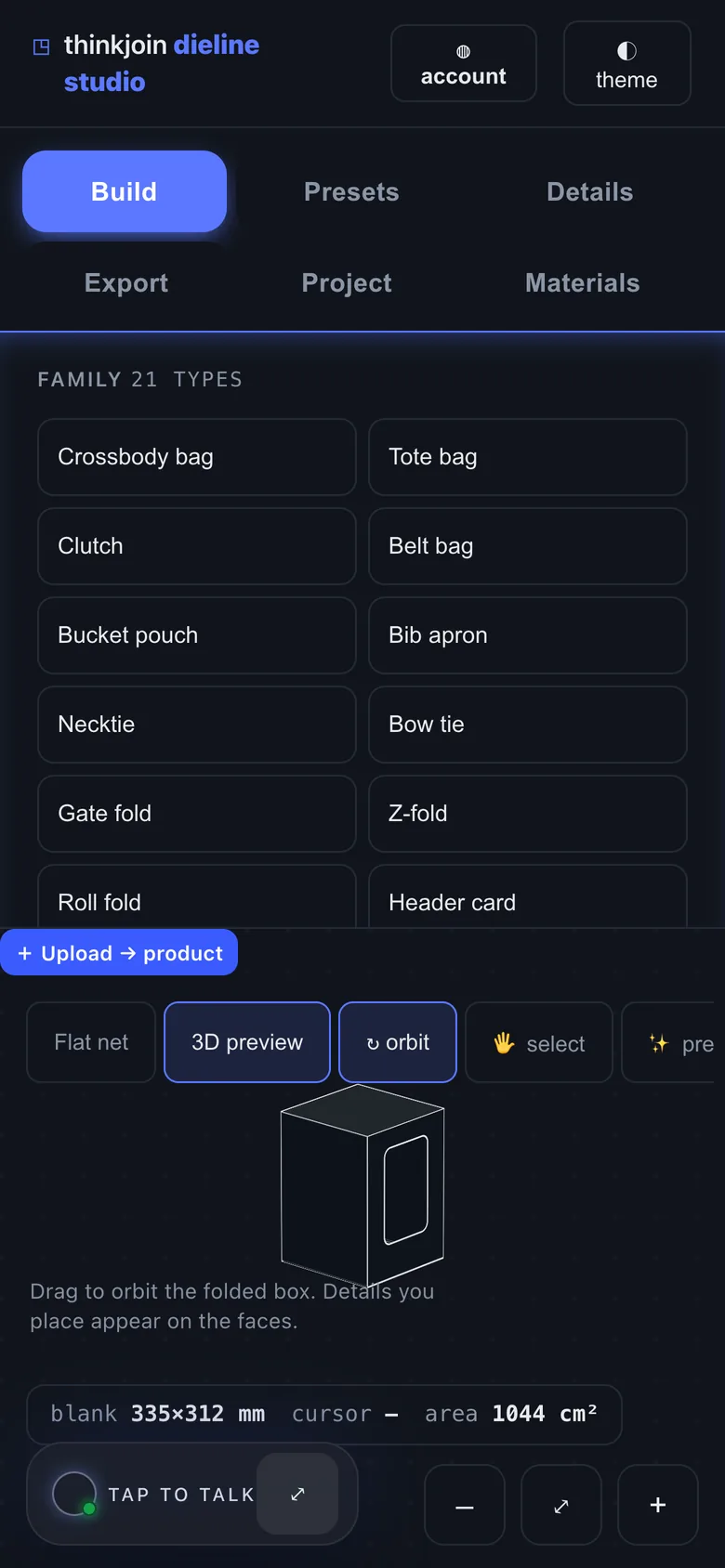
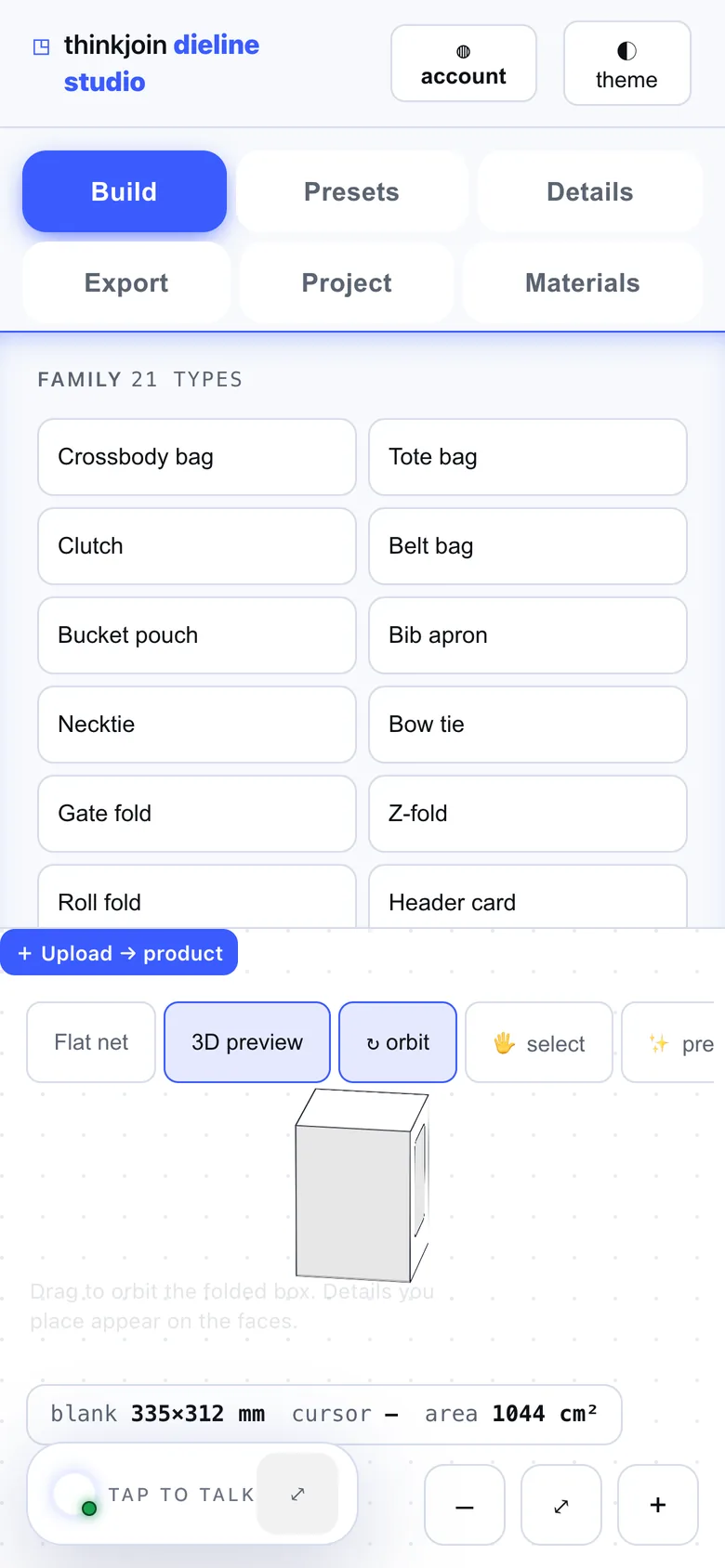
Light and dark
Light or dark. Your call.
One tap in the studio. Drag across to see both.
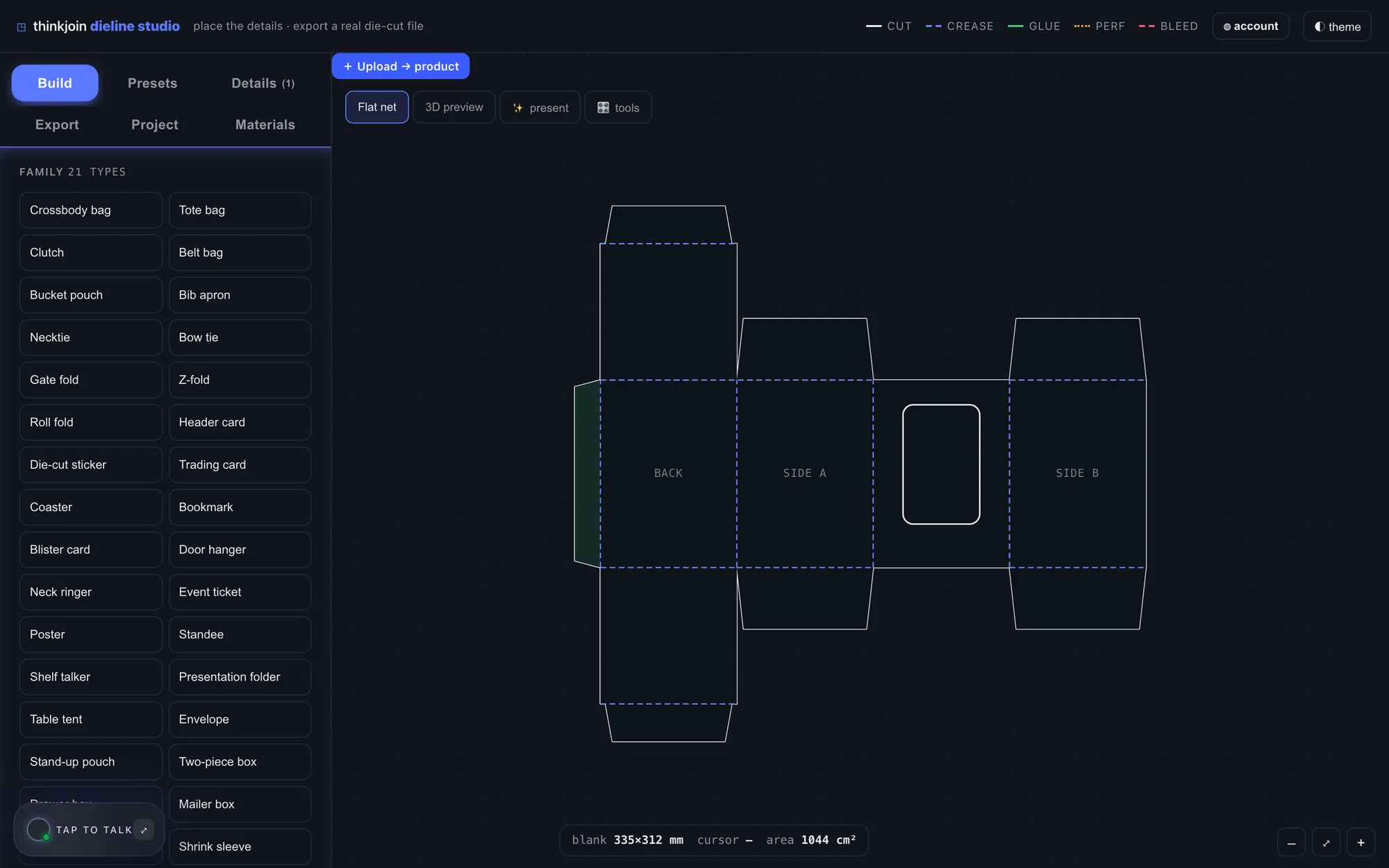
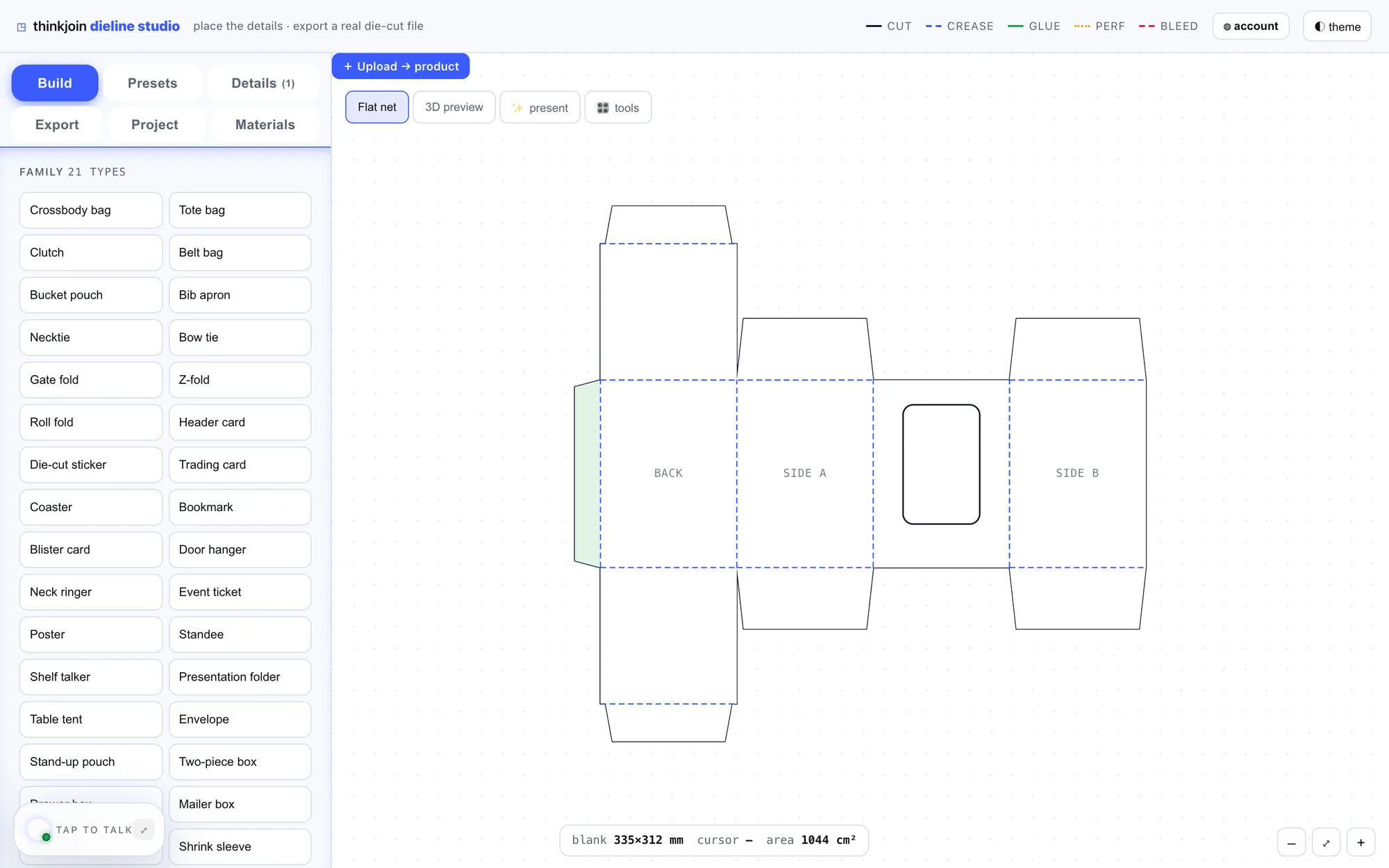 DarkLight
Your next box, ready for the press.
Open thinkpack and sign in with Google or email. One thinkjoin account opens every studio.